Worm screens

Twelve little animations for the 128×64 screen on every bin: the two logos, then ten worms. A bin plays one between turns of its title marquee, in this order, round and round, with the readings back in between, and after each one a message the team typed in on the dashboard, if they left one. These are the real pixels: the same code that runs on the Pico was run on a desktop and every frame captured, so what you see here is what the screen does, three times bigger.

Make your own: draw a picture or a little video for your bin's screen, and pick which shows it plays, on Make your own show.


Woodstock High
Woodstock High The wolverine zooms in from nothing, lands with a shake, and the school's name types in under it. The real mascot, traced to one-bit pixels.
Maker Lab Kids
Maker Lab Kids The gear, the flask and the rocket, wiped in and held.
Big Worm
Big Worm One fat worm crosses the screen, grinning, and the name comes up under it.
Worm Party
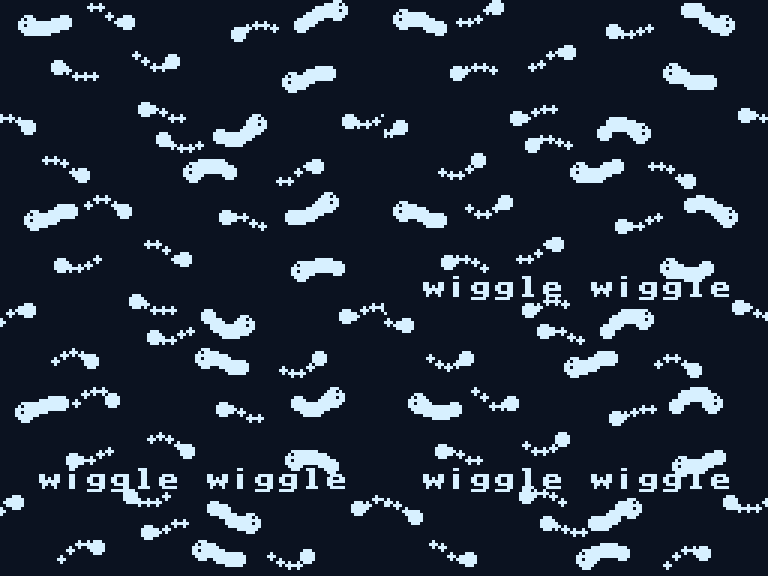
Worm Party Fifteen little worms wiggling at once. Some are thin, some are fat, none hold still.
Wormhole
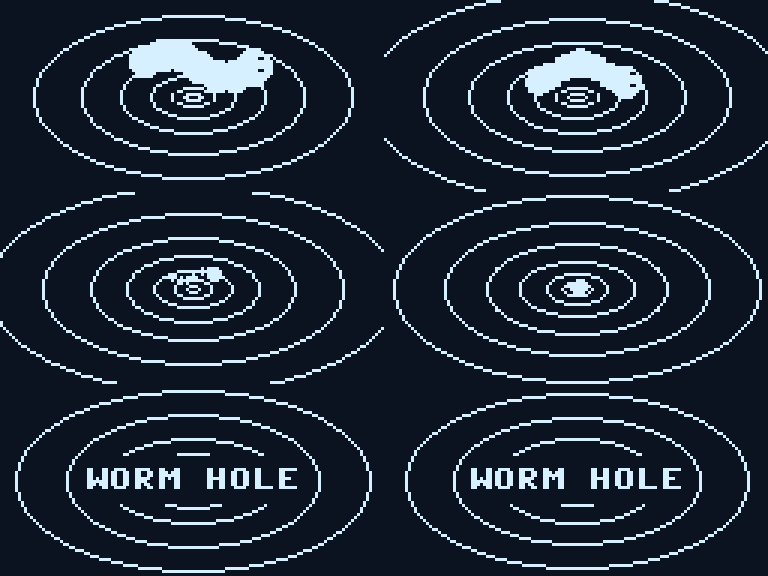
Wormhole Rings rush outward like a tunnel and a worm shrinks into the middle. Then the name.
Underground
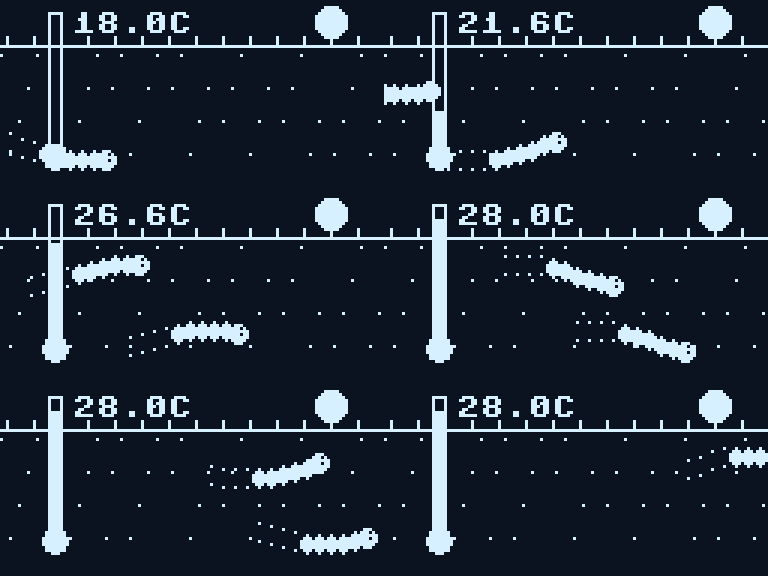
Underground A cross-section: sun, grass, two worms tunnelling and leaving tunnels behind, and a temperature probe stuck in the soil, warming up.
Worm Pulse
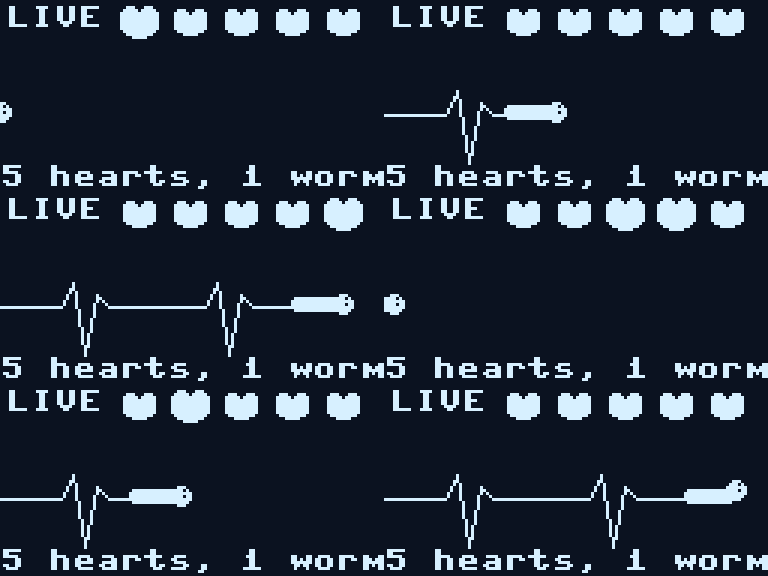
Worm Pulse A heartbeat trace drawn live, with a worm for the pen and five hearts beating in turn (an earthworm really has five pairs). 5 hearts, 1 worm.
Compost
Compost An apple core and a peel drop into the pile, and the worms come up for dinner. nom nom nom.
Hello Worm
Hello Worm Zoom in on a worm face. It blinks. It says hi.
Worm Lab
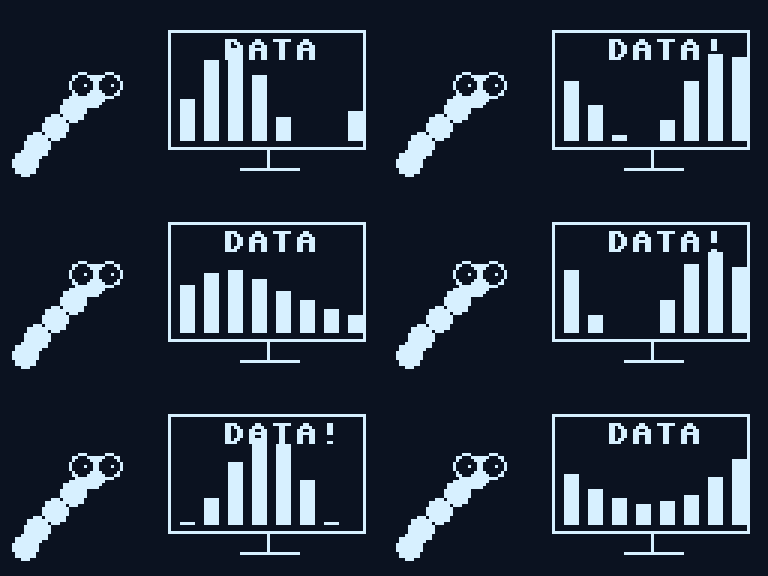
Worm Lab A worm in glasses watches a bar chart update on its own little screen. DATA!
Conga
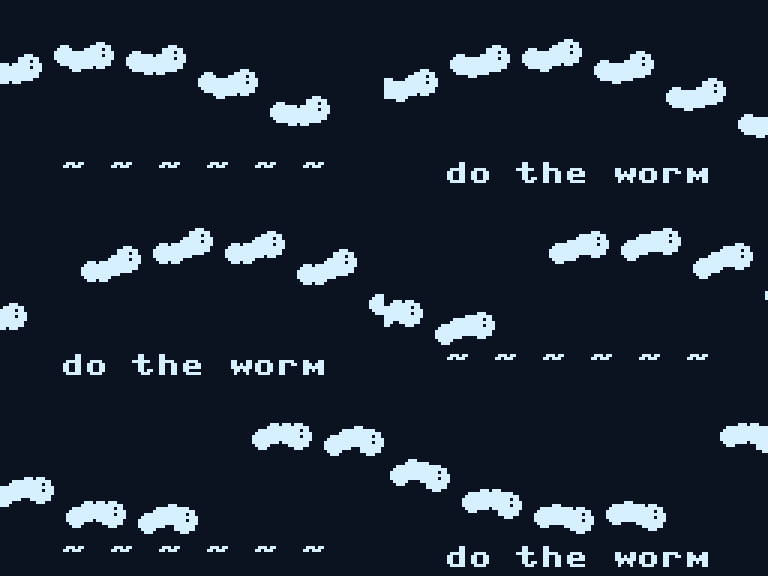
Conga Six worms do the wave across the screen. Do the worm.
Worm Radar
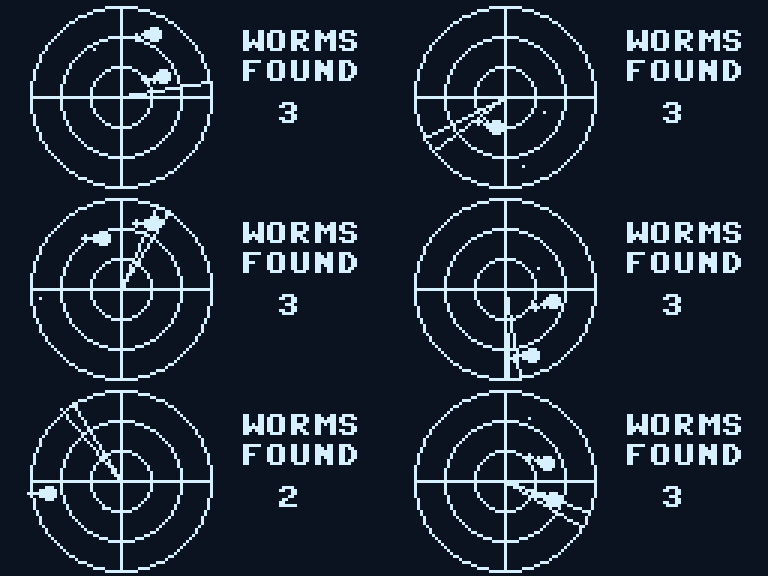
Worm Radar A radar sweep finds worms. Each blip wiggles when the beam passes. WORMS FOUND.

The logos are lib/logos.py, bitmaps that tools/gen-logos.py makes from the artwork (solid for the outlines, a checker for the colour fills: the only grey a one-bit screen has). The rest live in lib/wormshow.py, each one a few dozen lines of circles, lines and text. Make your own: copy one, give it a name and a draw(o, t), add it to SHOWS. A board can run all of them in a loop as a demo (tools/splash_demo.py), and tools/gen-splash.py plus tools/splash-gif.py make these pictures.